User Guide
Learn how to effectively use KrakenHashes for your password auditing needs.
In This Section
-
Understand the fundamental concepts and terminology
-
Work within teams and understand what data you can access
-
Import, organize, and manage your password hashes
-
Create and manage cracking jobs with preset workflows
-
Work with wordlists and transformation rules
-
Derive targeted wordlists by length, character class, or regex
-
Define custom mask charsets and pass extra hashcat flags per job
-
Understanding POT files and analyzing cracking results
-
Generate comprehensive analytics reports with domain-based filtering and optional BloodHound-enriched Active Directory privilege analysis
-
Configure notification preferences and set up webhooks
-
Common issues and how to resolve them
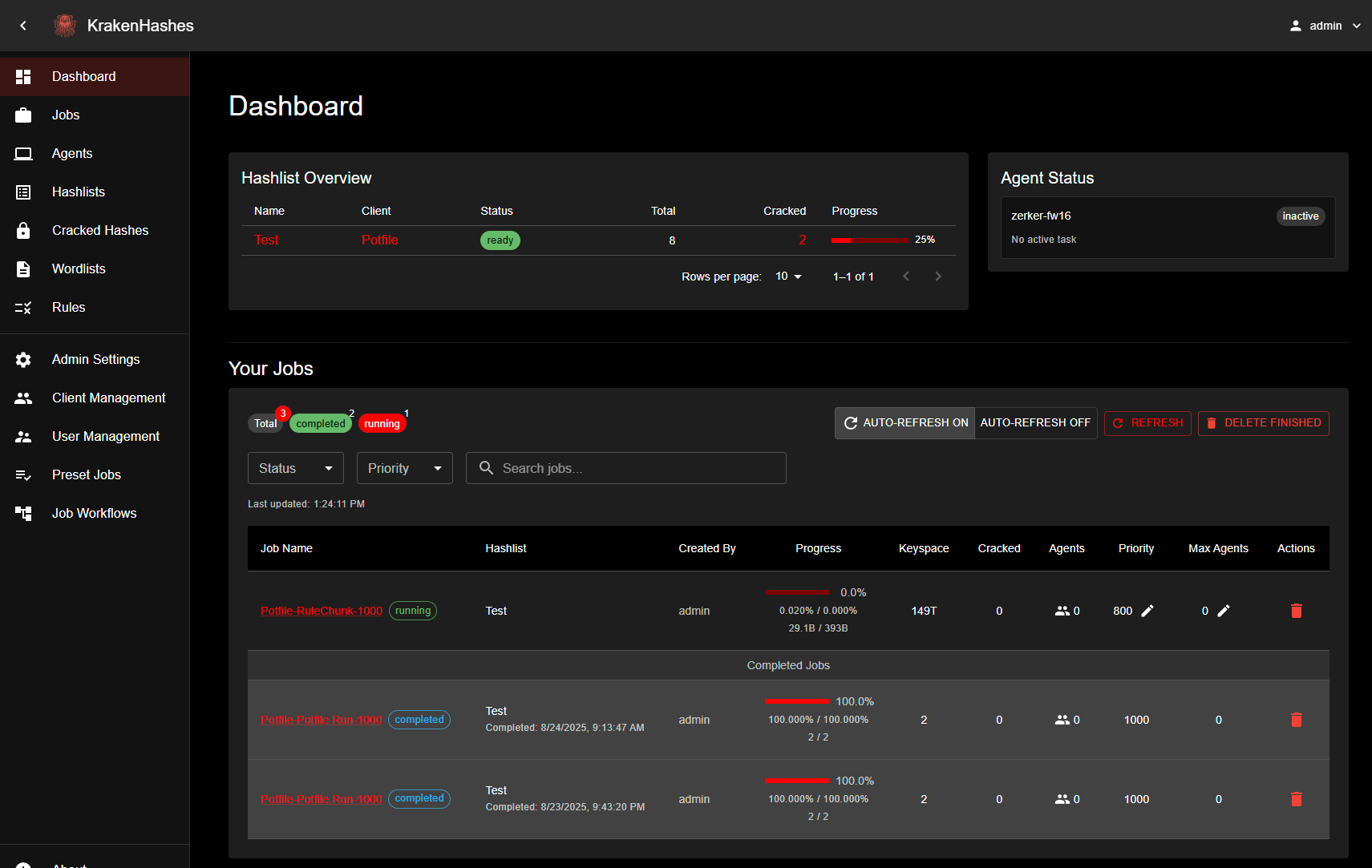 KrakenHashes dashboard overview featuring the left navigation sidebar, hashlist overview table showing crack progress, and jobs management interface in the dark theme
Quick Navigation
New Users
- Start with Core Concepts to understand the system
- Learn about Managing Hashlists
- Create your first job with Jobs & Workflows
Common Tasks
- Upload a hashlist
- Create a cracking job
- View cracked passwords
- Export results
- Generate analytics report
- Filter analytics by domain
- Configure notifications
- Set up webhooks
Advanced Topics
Best Practices
Pro Tips
- Always start with fast hash types to quickly identify weak passwords
- Use preset workflows for common scenarios
- Monitor job progress and adjust priorities as needed
- Regularly clean up old hashlists to maintain performance
Getting Support
- Review the Troubleshooting Guide
- Ask questions on Discord
- Report bugs on GitHub